EstontincPublished 3 min read
How to keep sensitive data out of your logs, and cut logging costs
Logs are copied into analytics tools, storage and third-party systems, often with data nobody needs. What to keep, what to redact, and how to clean logs at the source.
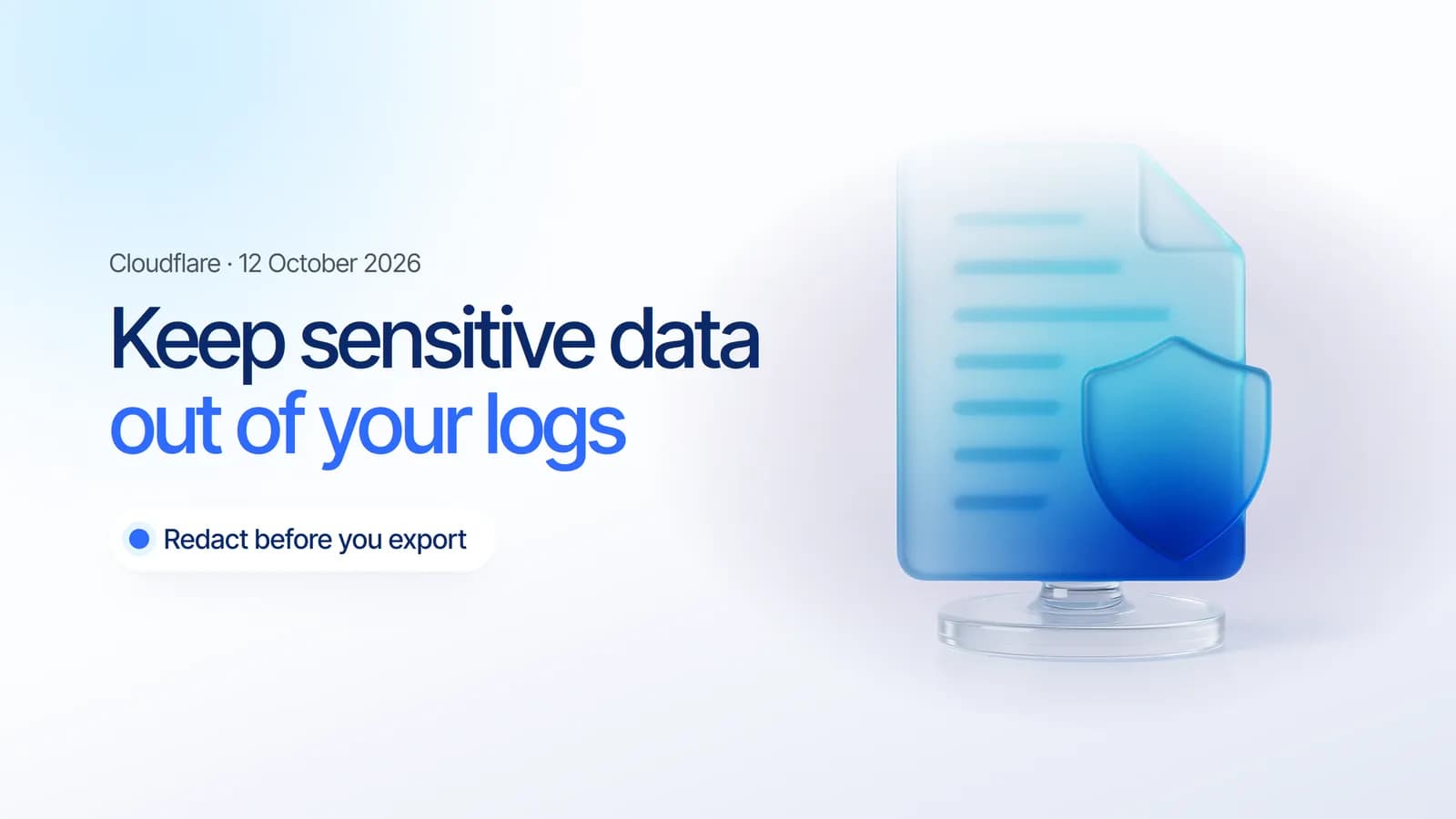
Sensitive data in logs is one of the quietest ways information leaks. Logs are copied into analytics platforms, security tools and storage buckets, often carrying IP addresses, emails or tokens that nobody needs there. On 12 October 2026, Cloudflare explained how Transformers in Logpush let teams filter, redact and reshape logs before they are exported.
This article covers why logs need cleaning, what Cloudflare launched, and a simple way to decide what to keep and what to redact in any application.
Why logs need cleaning before they leave
Cloudflare describes the problem clearly. Before logs reach their destination, teams may need to remove health checks, omit sensitive fields, or reshape records for dashboards. Until now this often required a separate processing service to deploy, scale and maintain. Teams also pay to export, ingest and store records they discard as soon as they arrive.
- Privacy: every extra copy of personal data is another place it can leak.
- Cost: storing noise such as health checks adds up every month.
- Clarity: consistent, clean records are faster to search during an incident.
What Cloudflare launched
- One SQL query per dataset filters records, redacts sensitive data and reshapes output by adding, renaming, removing or nesting fields.
- Applied before export, so each destination receives only the data it needs.
- Transformer Studio lets you choose a dataset, write the query and preview it against a sample record. Every update creates a new version.
- Fail closed: if a transform cannot run, the raw batch is not sent, so redaction rules are never bypassed.
- Fast: in Cloudflare's benchmark, a 5,000-row batch took about 3 ms, roughly 1.6 million rows per second.
Transformers are available on the Free, Pro, Business and Enterprise plans, and Logpush is now available on all self-serve plans.
What to keep and what to redact
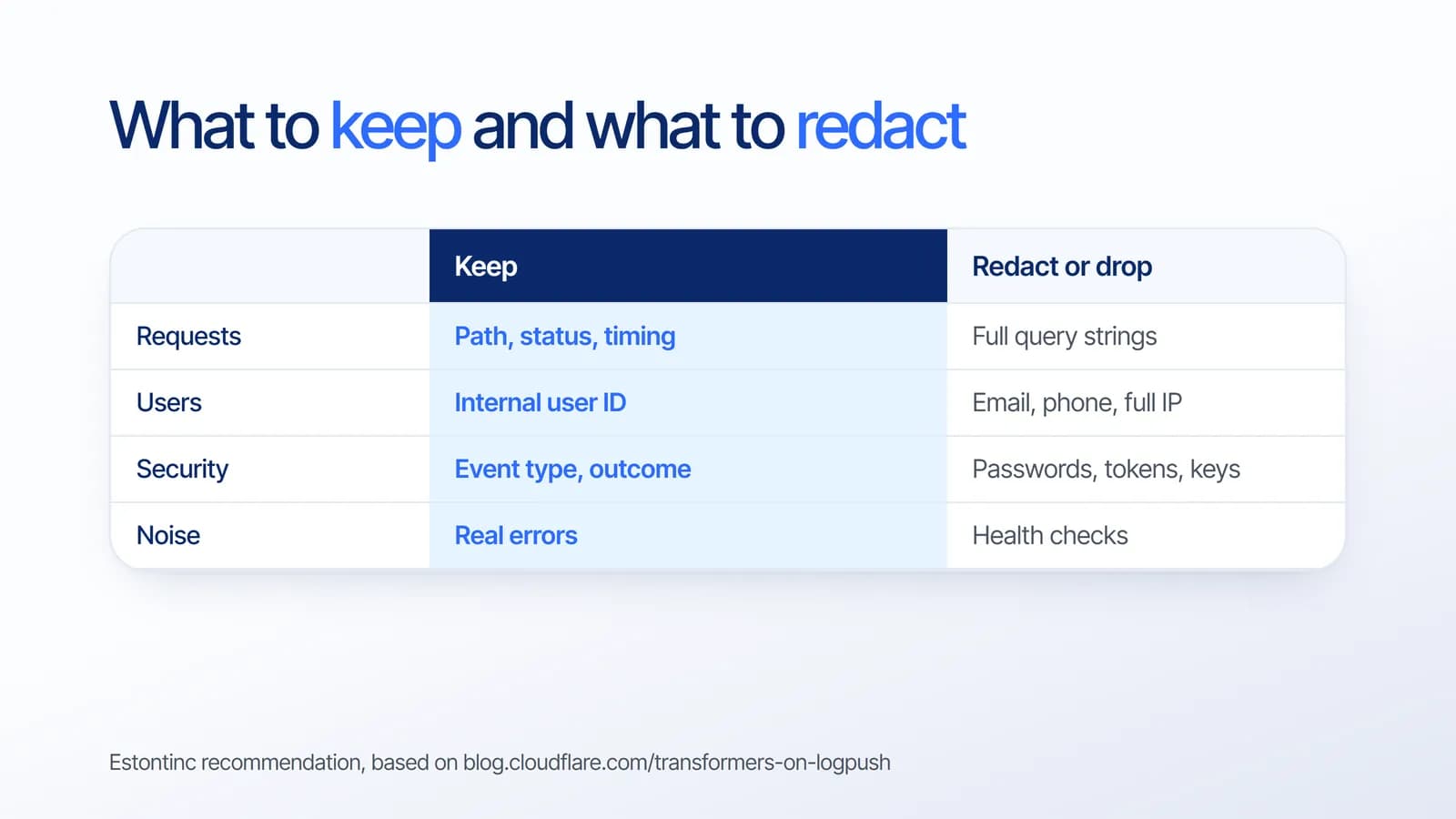
Based on our project experience, a useful rule is to log what helps you investigate a problem, and nothing that would hurt if the log were exposed:
- Keep request paths, status codes, timings and internal user IDs.
- Redact or shorten emails, phone numbers and full IP addresses. Cloudflare's own example redacts part of the client IP.
- Never log passwords, session tokens or API keys. Our guide on protecting API keys explains why.
- Drop health checks and internal traffic that nobody reads.
How to clean up your logs
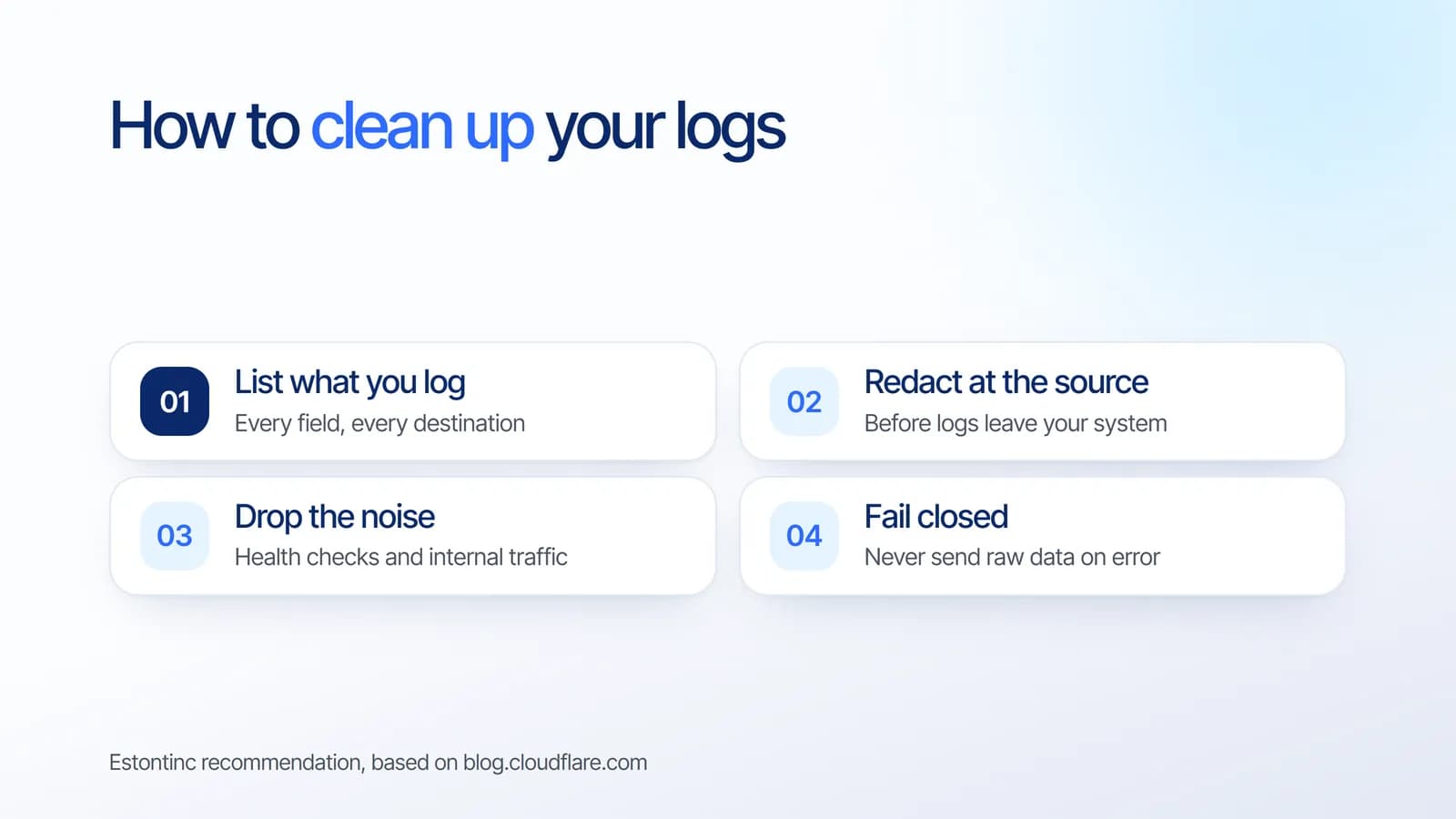
- List what you log and every place logs are sent, including third-party tools.
- Redact at the source, before logs leave your system, instead of cleaning each destination later.
- Drop the noise such as health checks and internal traffic.
- Fail closed. If redaction fails, it is safer to delay a batch than to send raw data.
Clean logs also make performance work easier. Our article on finding why an app is slow shows how good observability turns guesses into answers.
What it means for your business
Logs are essential for fixing problems, but they should not become a second database of customer data. Cleaning logs at the source protects customer trust, reduces storage bills, and makes incidents faster to investigate. It is a small change with a lasting effect.
How Estontinc helps
Estontinc is a software house in Malang with 100+ projects and 50+ clients over more than six years. Our cloud and DevOps team audits what your applications log and sets up logging and monitoring pipelines that keep what you need, and our custom software team builds redaction into the application itself.
Tell us about your logging and monitoring setup through the contact page, and we will reply within 24 hours.
Frequently asked questions
What sensitive data should not be in logs?
Passwords, session tokens and API keys should never be logged. Personal data such as email addresses, phone numbers and full IP addresses should be redacted or shortened. Keep what helps you investigate problems, like request paths, status codes, timings and internal user IDs, and drop the rest.
What are Cloudflare Transformers for Logpush?
Transformers let you attach a SQL query to a Logpush job. The query filters records, redacts sensitive fields and reshapes the output before logs are exported. You build and preview them in Transformer Studio, and they are available on the Free, Pro, Business and Enterprise plans.
Why redact logs at the source instead of at the destination?
Redacting at the source means sensitive data never leaves your system, so every destination receives clean data. Cleaning each destination later is harder to keep consistent and still leaves copies in transit. Filtering early also reduces the volume you pay to export and store.
Can filtering logs reduce costs?
Yes. Cloudflare notes that teams pay to export, ingest and store records they discard as soon as they arrive, such as health checks. Filtering those records before delivery reduces downstream data volume and cost, while keeping the logs your team actually uses.
Sources
Facts and figures in this article come from these official sources.
- Cloud & DevOps
- Security
- Cloudflare
- Logging